Subscription creep
Trial sign-ups become forgotten charges. The average household pays for services they haven't touched in months.
SaveScout sorts the receipts you snap, the statements you upload, and the things you say out loud — into one quiet picture of your spending. No bank login required. No ads in the app. Your data isn't used for training today.
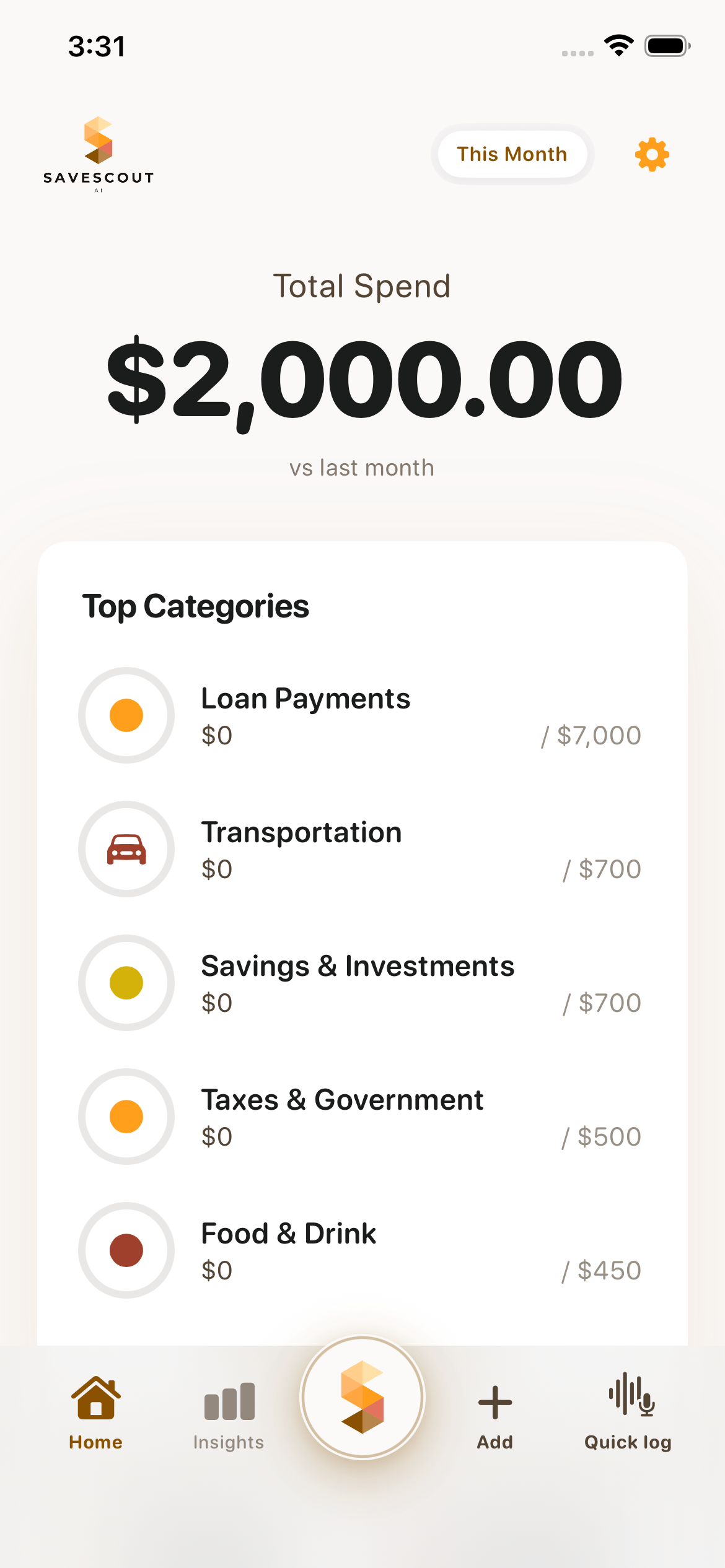
Light
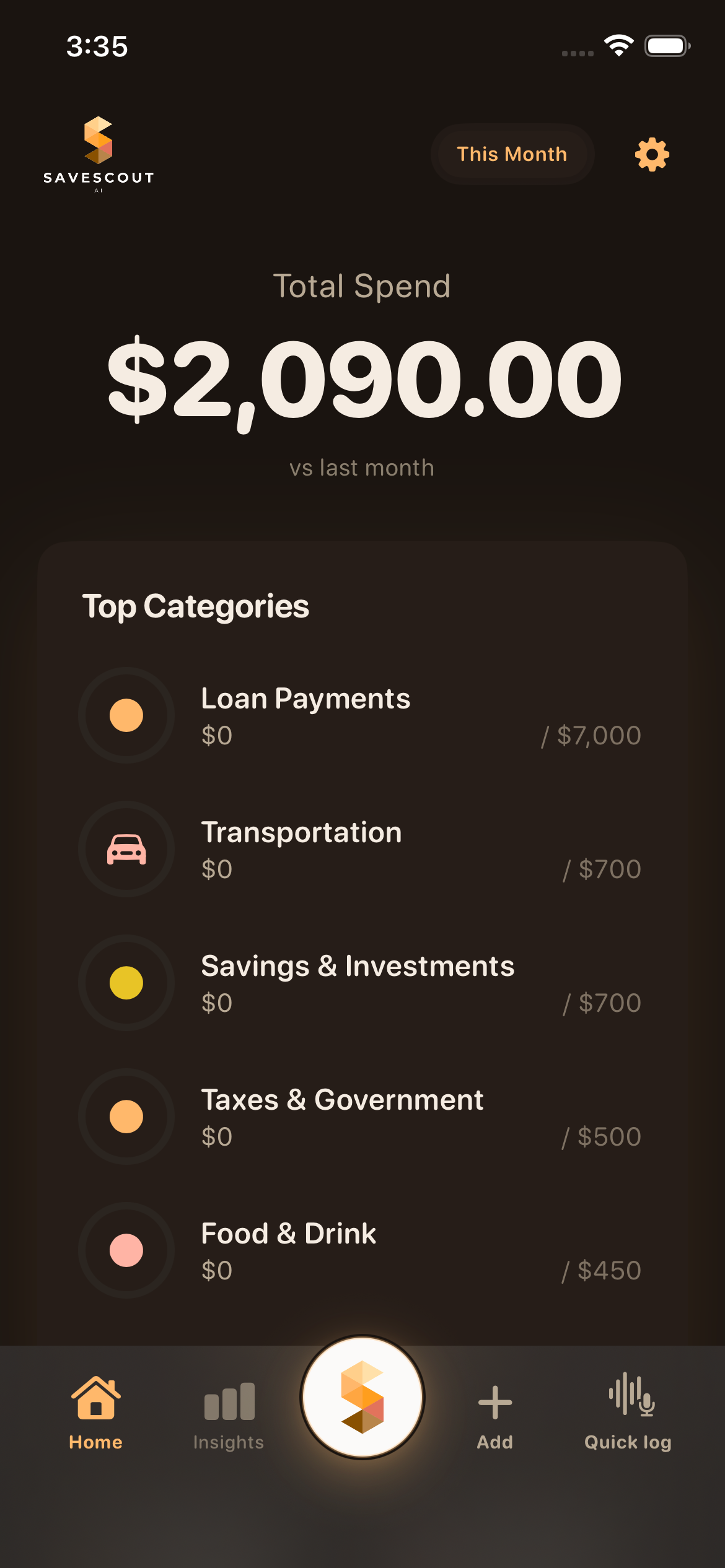
Dark
Most households aren't reckless — they're just missing the picture. Small leaks compound quietly month after month.
Trial sign-ups become forgotten charges. The average household pays for services they haven't touched in months.
Convenience meals, coffee runs, and "just this once" moments add up well past what most people estimate.
Bank apps show transactions. Spreadsheets take hours. Neither tells you what to actually do differently.
Most apps require full bank access. Handing a startup years of transaction history is a hard ask — and a reasonable concern.
Five concrete things you'll do on day one. Real, present-tense, on your phone.
Camera → merchant, total, line items, category. Done before you put the phone down.
PDF or CSV → every transaction read, classified, transfers ignored.
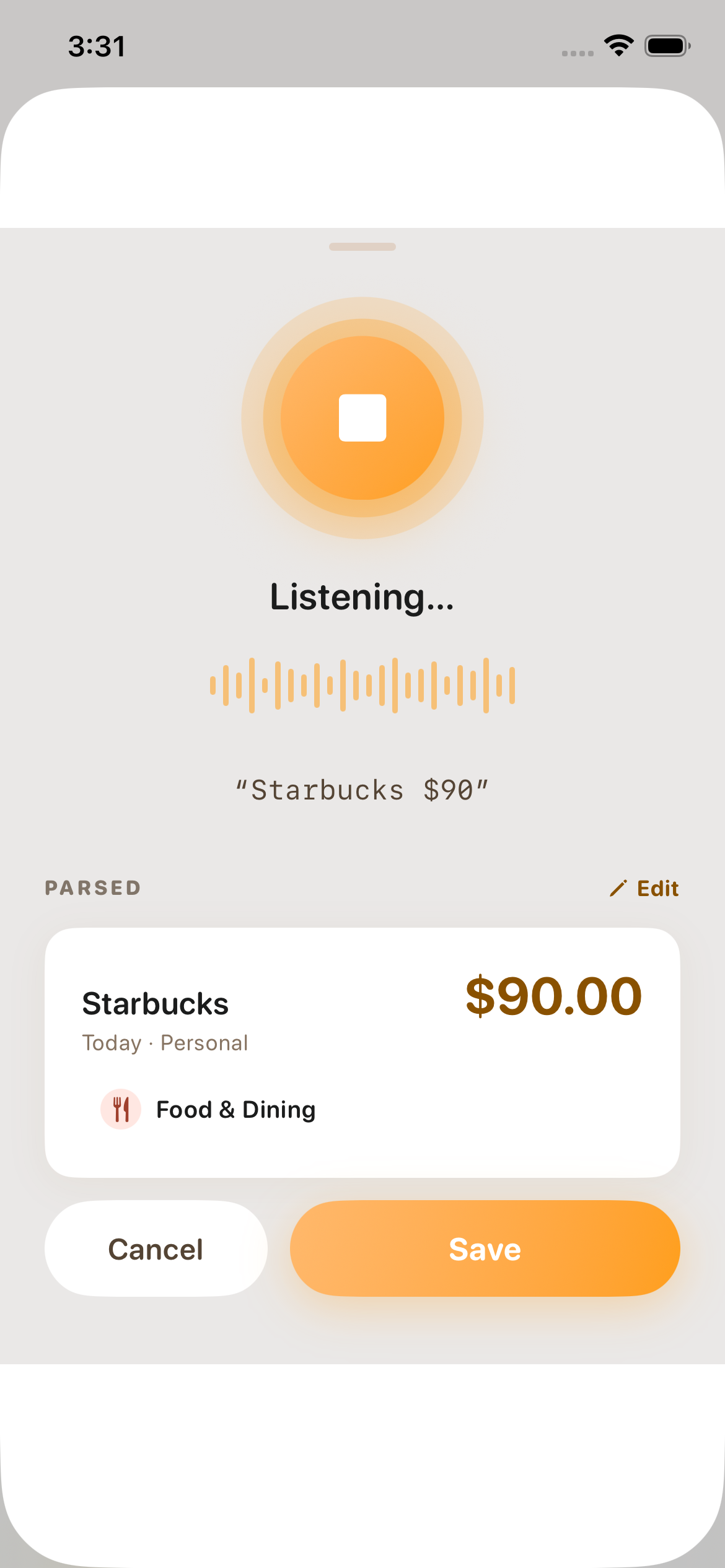
Say “fourteen bucks at the bakery” and it’s logged. Quick Voice Log uses Apple’s on-device speech — your audio never leaves your phone.
Recategorize once. It remembers — across receipts, statements, and quick adds.
Flip Local-only on in Settings — voice falls back to on-device, no sync, no LLM round-trips. Your phone, your data, full stop.
Preview what will be removed, confirm, and receive a downloadable PDF audit receipt. Deletion is real — no quiet archives, no hidden copies.
Three small moments. The same agent, paying attention.
“Four seventy-five at Café Olé.” That’s the entire interaction. The agent fills in the merchant, the amount, the category. Works on the walk to work, in line at the grocery store, in any language you actually speak.
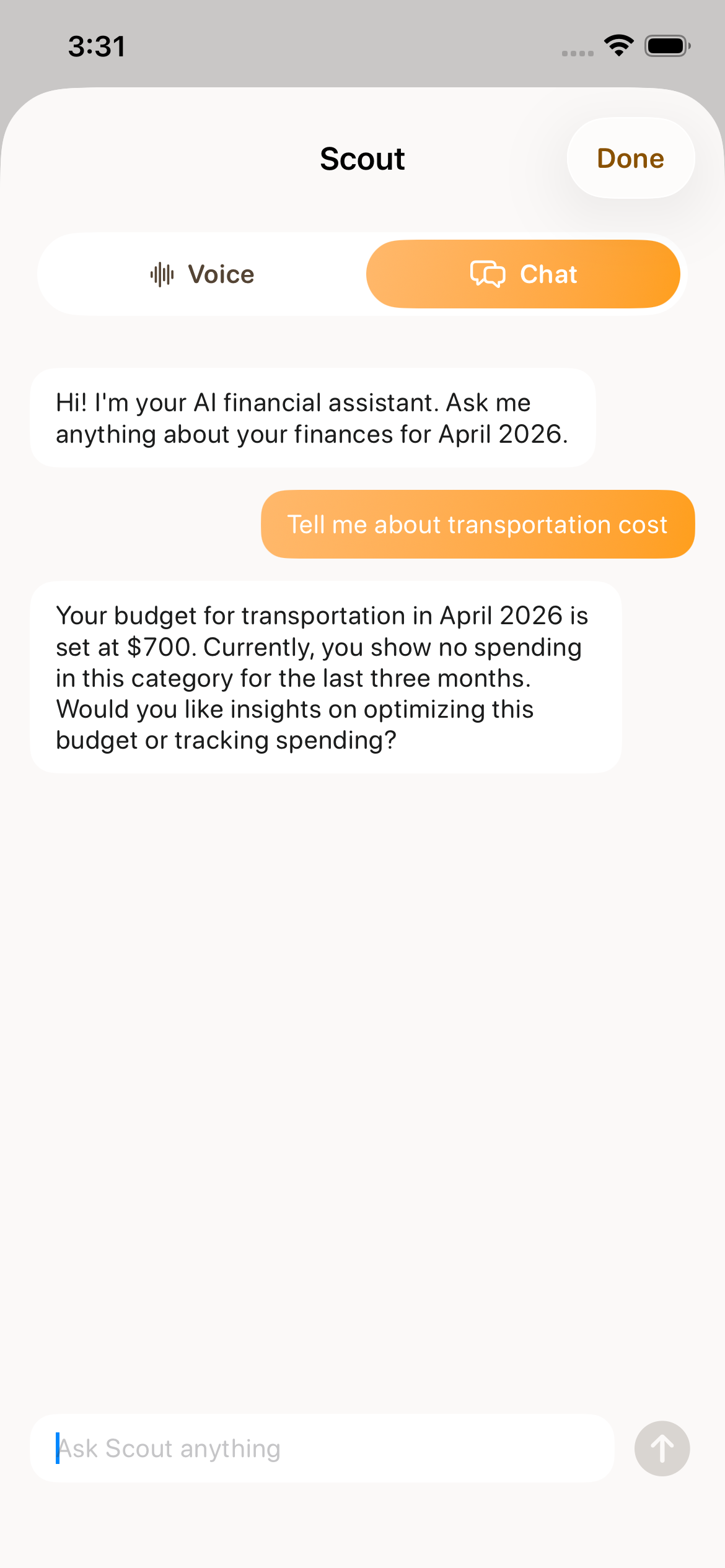
Not a chart. Not a notification. A real answer to a real question — grounded in what you’ve actually spent, framed in what you actually care about.
Once a week, the agent walks you through what changed and what didn’t. No guilt, no streaks, no dashboards. A short conversation with someone who’s been paying attention.
No surprises about what goes out, either. Settings → Privacy → Trust Receipt shows every external service that touched your data this month — plain language, 30 seconds to read.
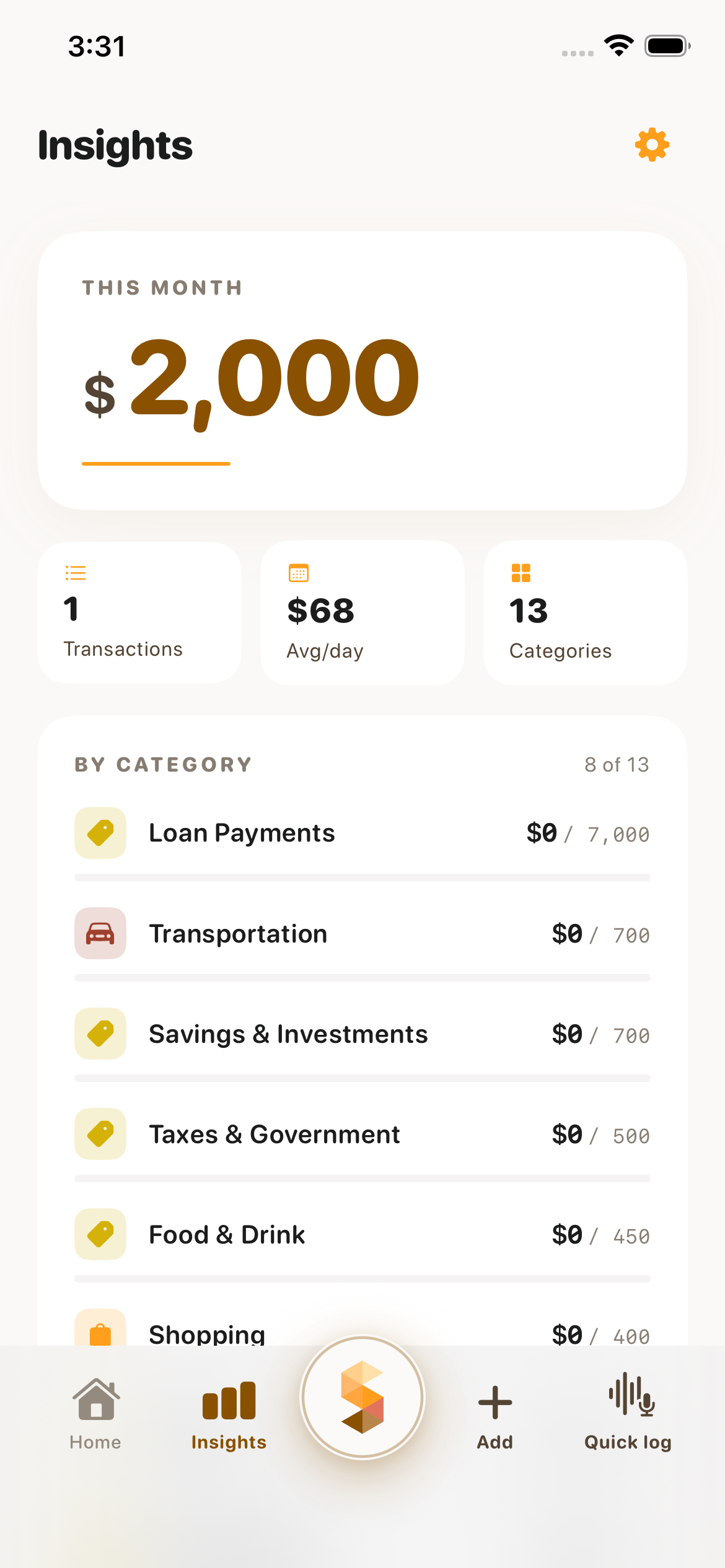
Quietly excellent things we're shaping next. No dates promised — we ship when they're ready, not before.
A morning audio brief: yesterday's spend, today's bills, anything that looked off.
“Where did my paycheck go?” A spoken question, a spoken answer — using only what's already on your phone.
When a recurring charge shifts, you'll know before the autopay clears.
Help renegotiating a plan or talking to an advisor — only when you push the button. We won't do anything with your money you didn't approve.
Most money apps need API access to your accounts. SaveScout doesn't. You bring in what you want — receipts, statements, voice — and that's the input.
Not the kind that sells you ads. We make money the boring way — a subscription. The app itself is what you're paying for.
Not for us, not for anyone we work with. We pay AI providers; we don't pay them in your data.
Settings → Privacy → Trust Receipt shows a plain-English list of every external service that processed your data this month. No legal-speak, no buried footnotes. Just a list you can read in 30 seconds — and keep, if you want.
A permanent free tier, and a paid plan that costs less than one forgotten subscription.
Starter
Free
Always. No credit card, ever.
Scout Pro
$7.99 /month
or $63.99/year — save 33%
30-day free trial · No card required
Other apps trade convenience for your data. We built an app that respects both.
| Big Bank App | YNAB / Copilot | SaveScout AI | |
|---|---|---|---|
| No bank login required | |||
| Receipt camera scan | |||
| Voice expense logging | |||
| Data used for AI training | Yes | Yes | Never |
| Permanent free tier | |||
| Local-only mode |
No. Receipts, statements, and voice are enough. Bank connection isn't part of v1 — if it returns later, it'll be optional, never required.
Today: snap a receipt, import a statement (PDF or CSV), speak an expense with Quick Voice Log (on-device), categorize, set budgets, run local-only, talk to Scout by voice or chat (15 min/month on paid), set your spending values in onboarding, check your weekly reflection, and see the Trust Receipt audit in Settings. Later: Siri shortcuts, biller change alerts, and help renegotiating bills. No dates promised — we ship when it’s quietly excellent.
Categories and amounts. Not your bank login, not your balance, not your account number. Speech stays on your phone wherever it can.
Free tier is permanent — unlimited manual entry, AI categorization, no card ever. Scout Pro is $7.99/month or $63.99/year, starts with a 30-day free trial, no card required. Full feature breakdown in the Pricing section.